
In case you get an error with MulensModel and FSPL#
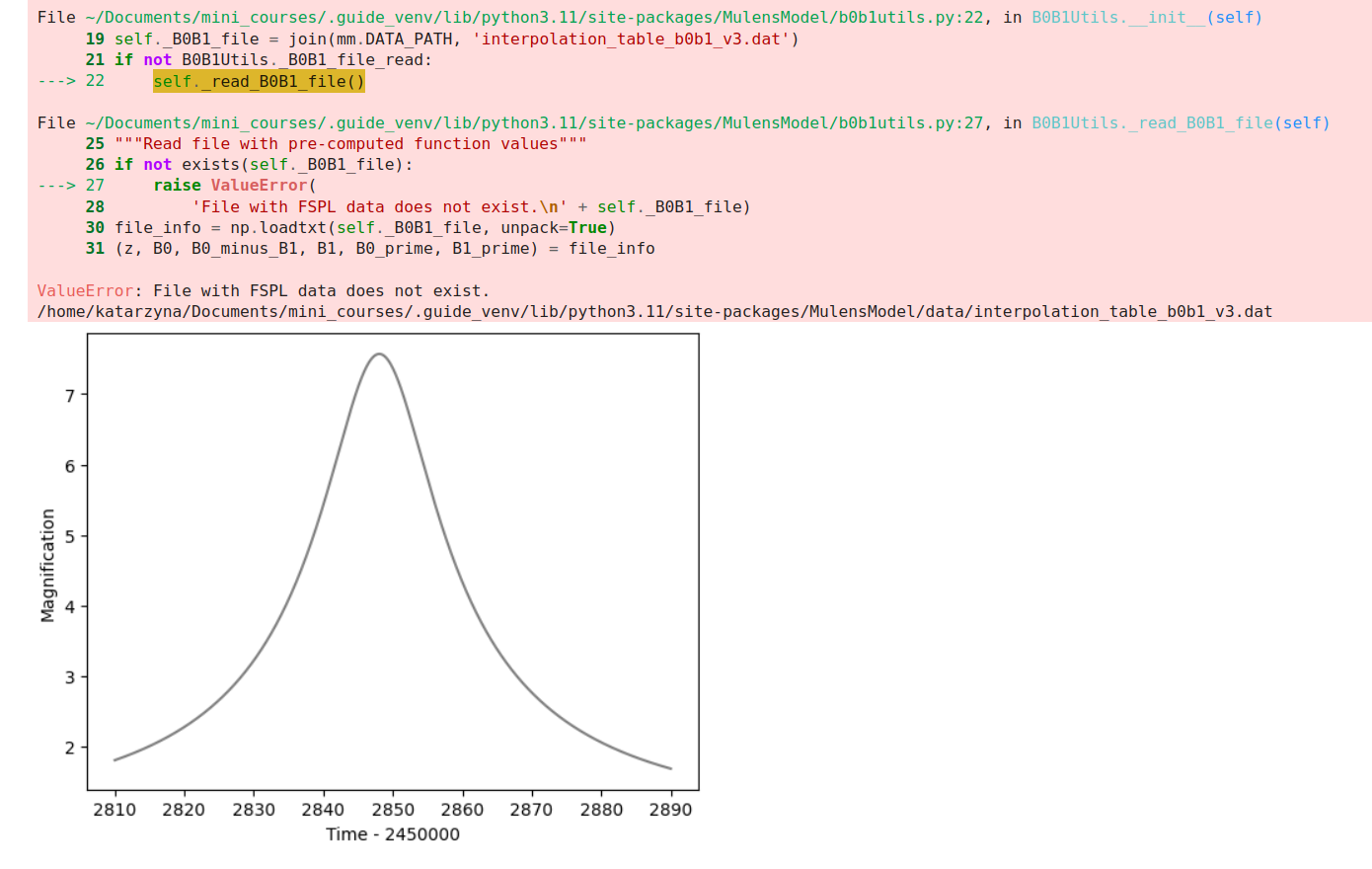
You might encounter this error when going through the Exercise 5 in the SingleLens notebook that loooks something like this around the end:
|  |
|
If you do, you'll have to do some manual intervention using your amazing command-line skils. Don't worry, I'll try to walk you through it.
Step 1. Find the path of MulensModel site package#
Check the path of your python environment's site-packages location. It will be directly displayed in the error. In the case above it's:
/home/katarzyna/Documents/mini_courses/.guide_venv/lib/python3.11/site-packages/MulensModel/data/interpolation_table_b0b1_v3.dat
In your case, anything before the /site-packages/MulensModel/data/interpolation_table_b0b1_v3.dat chunk should be different. This chunk says where your Python environment stores the packages it uses when you execute the code in these notebooks.
Now, the path to your MulensModel site package will look something like this:
/home/your_user_name/some_directory/some_other_directory (...)/site-packages/MulensModel/
In the case of the error above it's:
/home/katarzyna/Documents/mini_courses/.guide_venv/lib/python3.11/site-packages/MulensModel/
We will be using that path in a moment.
Step 2. In a terminal window, move to the directory with MulensModel site-package#
Open a terminal window and in it move to the directory with MulensModel site package:
cd path_to_your_MulensModel_site_package
In the case of the error shown at the beginning of this notebook, it would be:
cd /home/katarzyna/Documents/mini_courses/.guide_venv/lib/python3.11/site-packages/MulensModel/
Step 3. Delete the file called "data"#
In terminal window type:
rm data
This will remove a file called data. This file should be a directory instead, containing various tables. We will now proceed to fix this.
You can now close the terminal window.
Step 4. Clone MulensModel#
Clone MulensModel repository from the github webpage(MulensModel repository) to a directory where you want to store Python packages.
In that directory, open a terminal window and copy the repository using the git clone command:
> git clone https://github.com/rpoleski/MulensModel.git
Step 5. Move to the cloned MulensModel repository#
Go into the directory with your freshly cloned MulensModel repository by typing in the terminal window:
mv MulensModel
Step 6. Copy the data directory to your MulensModel site-package#
In the terminal window type:
> cp -r data/ path_to_your_MulensModel_site_package/.
This will copy the data directory with all the necessary files to your MulensModel site package that the Python environment operating this Guide's notebooks uses.
In case of the error above this command would look like this:
cp -r data/ /home/katarzyna/Documents/mini_courses/.guide_venv/lib/python3.11/site-packages/MulensModel/.
Step 7. Now your SingleLens notebook shoudl work!#
Now try running the Excercise 5 in the SingleLens notebook again. It should work! If not, please let me know through the contact provided in the main page of the Guide repository.